

Meta Guardian Setup
Last updated 24 Oct 2026
Meta Guardian Setup in VR
SIMS recommends all facilitators follow these setup instructions before any full day of onboarding sessions or trade shows.
After completing the Device Setup steps on the laptop (Headset check, Controller pairing etc.), you will be required to complete a few more steps in VR.
If you are setting up for the first time, these steps will automatically continue from initial setup.
To manually start the Meta Guardian setup,
Double-click Meta Horizon Link
Click on Devices
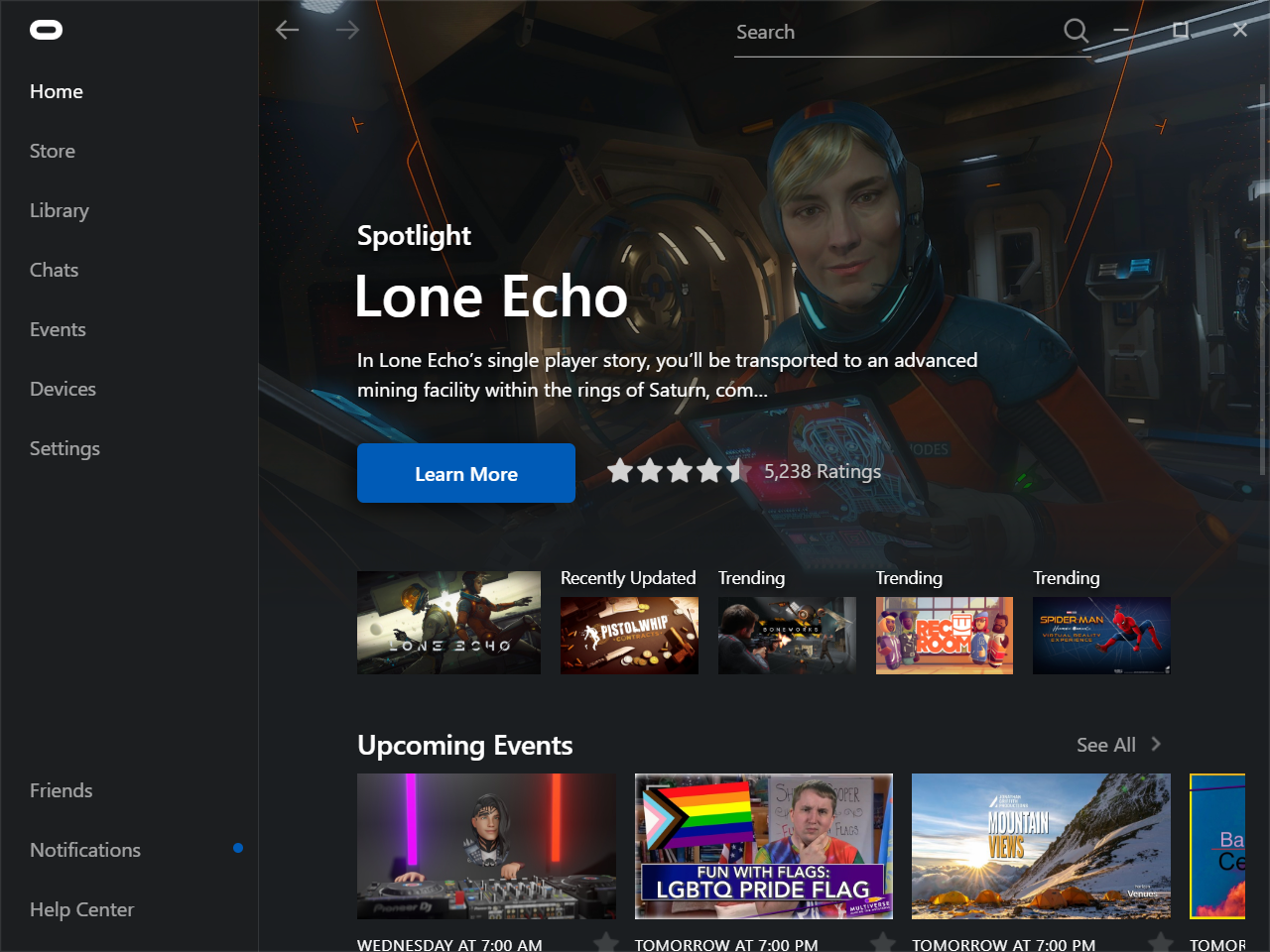
Click on Rift S and Touch
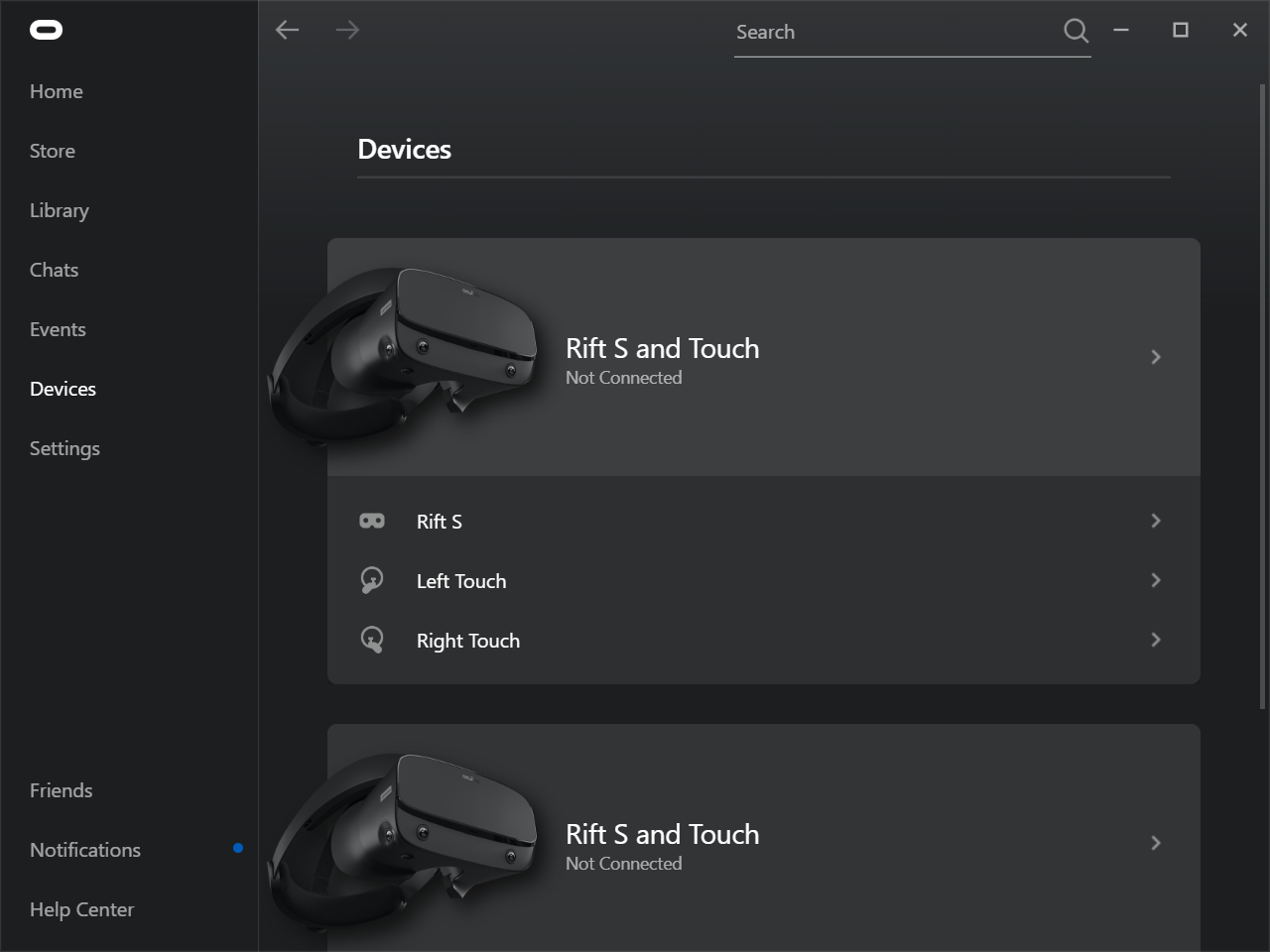
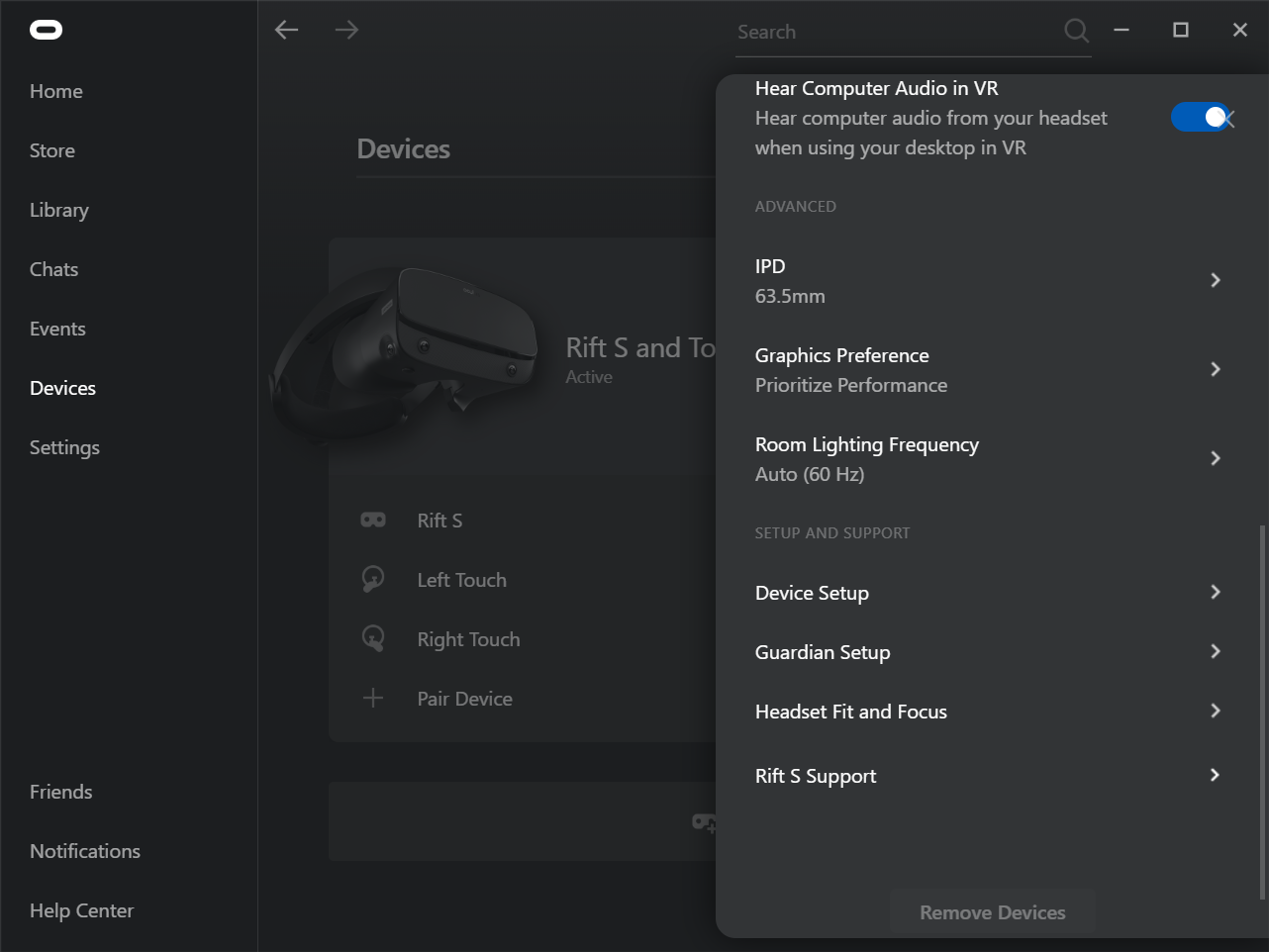
Scroll Down and select Guardian Setup
Stand in the simulator basket and wear the headset. Complete the steps seen on-screen.
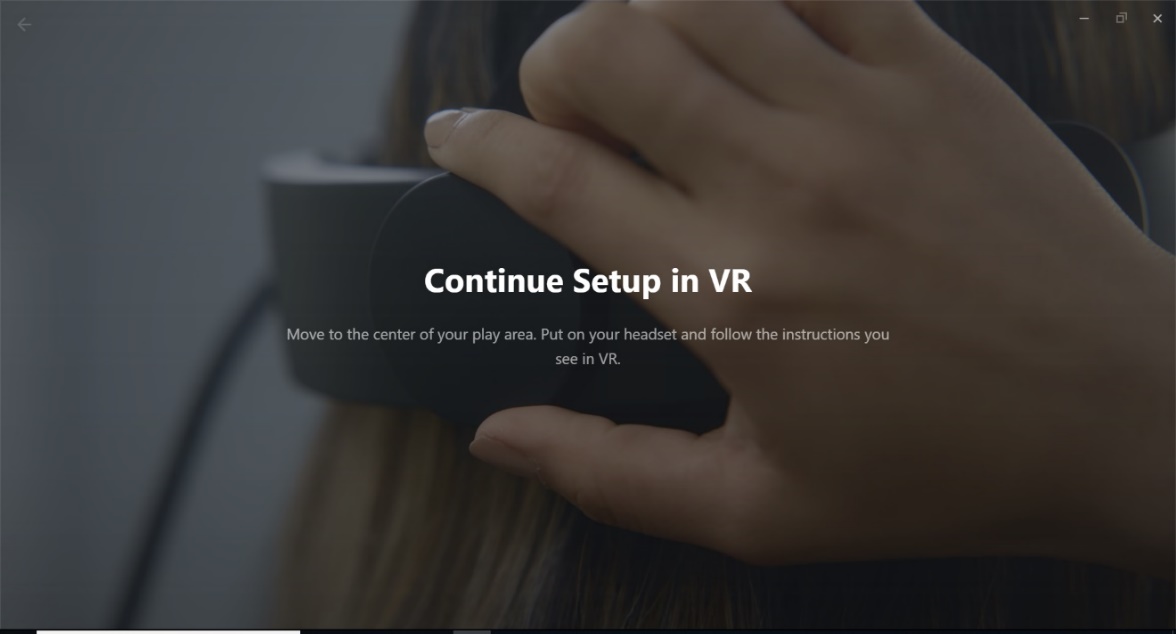
With either of the Oculus controllers in hand, follow the Guardian setup instructions provided in the headset.
If you see Play Area not Found or Guardian Setup, use either Oculus controller to select Continue
You will need to Set the Floor Level
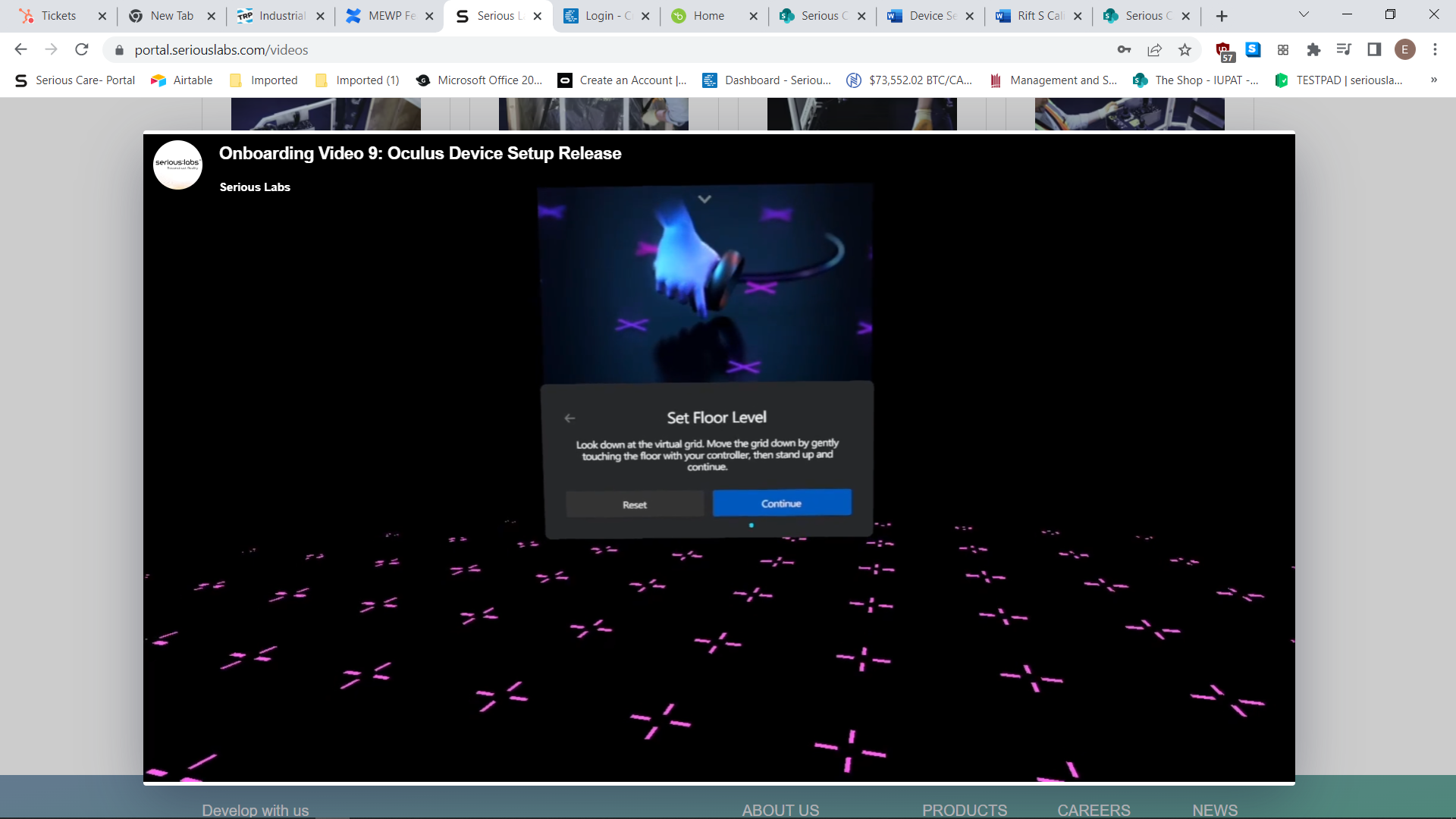
Select Reset (You will see the grid rise to about chest level), gently bring the controller to the floor of the simulator (grid will lower to the simulator floor label), tap the floor (no need to press any buttons)
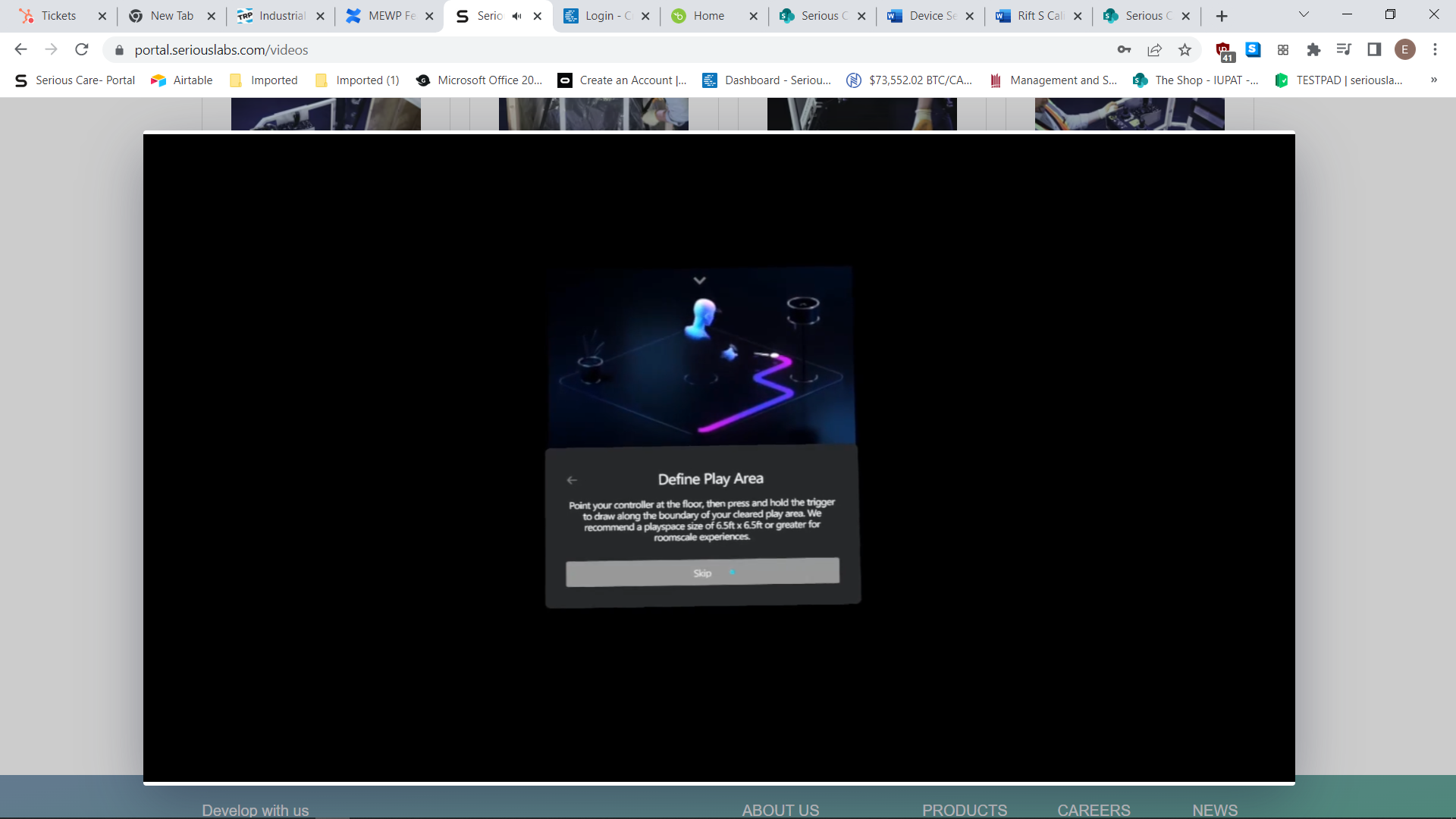
Define Play Area will display, select Skip then, Acknowledge
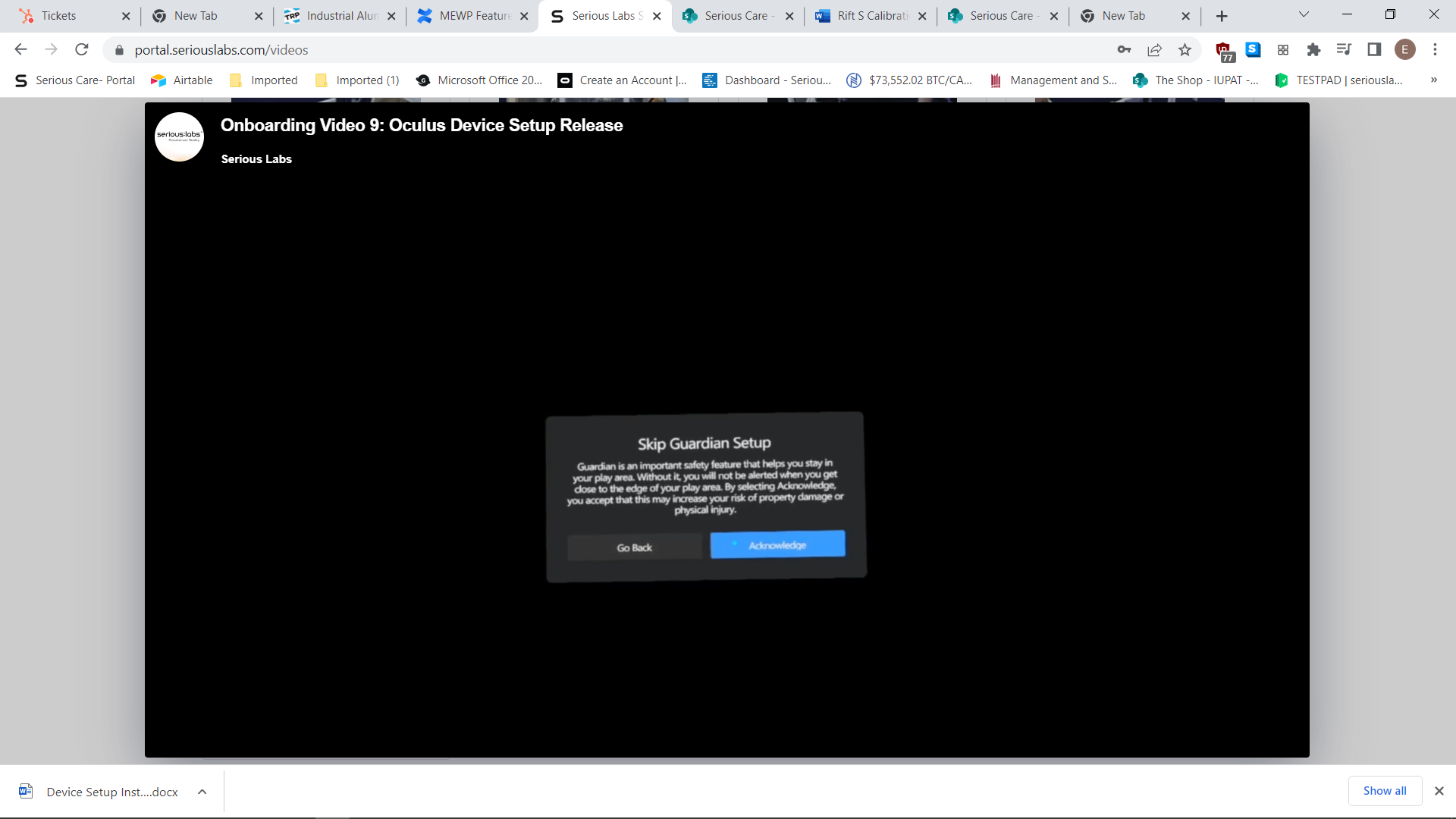
Setup is now complete.
If you require any assistance with the setup, please contact SIMS support
Email support@industrialsims.com
or
Call us at 1.888.446.1688 between the hours of 1am to 5pm MST.*
*Please have simulator serial number ready as it is required to verify your license