

Logging into Meta
Last updated 24 Oct 2026
Meta Login
If you already have Meta credentials then please continue. If you do not, please contact support@seriouslabs.com and a set of login credentials will be provided for you to use.
If you are accessing this article due to not being sure if you are logged into a Meta account then please start with the following step, if you are starting from the login page then please skip this step.
Navigate to the Oculus desktop application and open the settings menu on the left hand side:
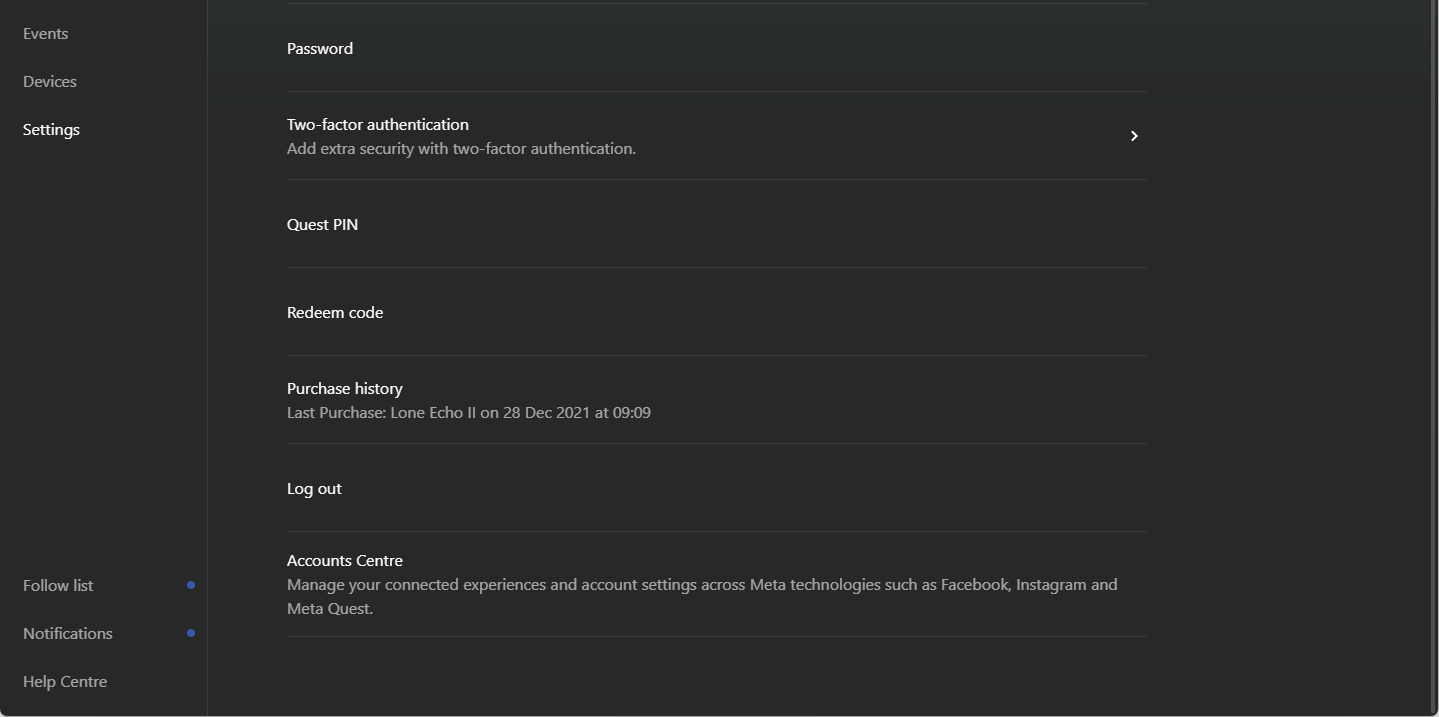
Scroll down and select “Log out”.
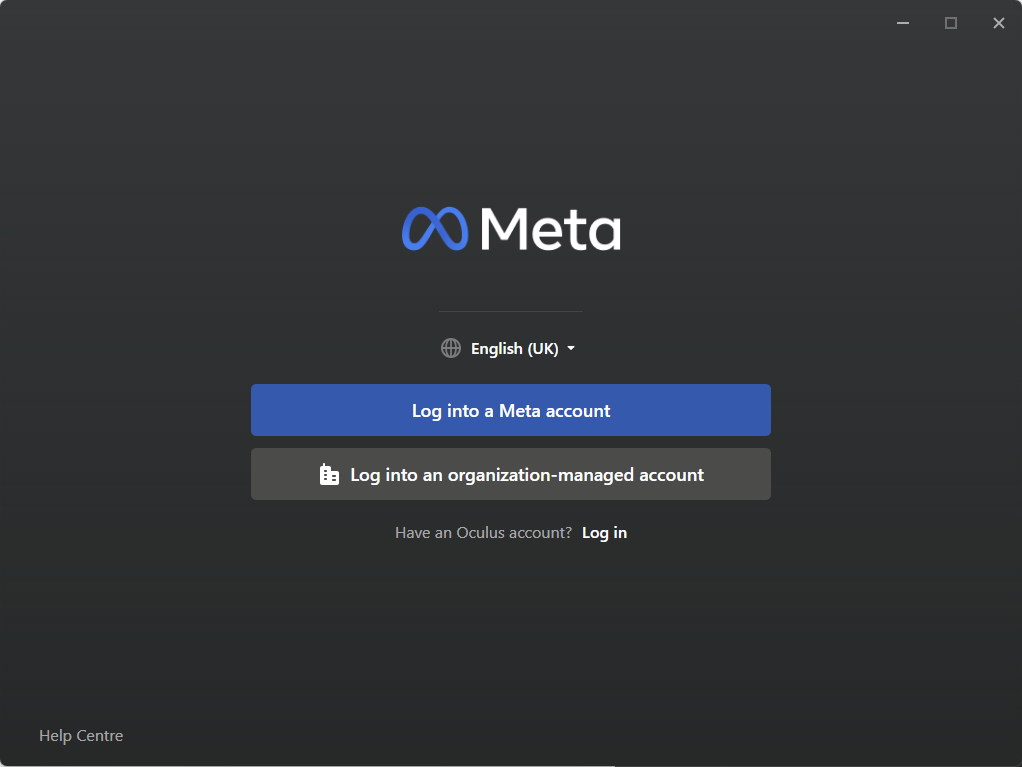
You should now see the following page, select “Log into a Meta account”
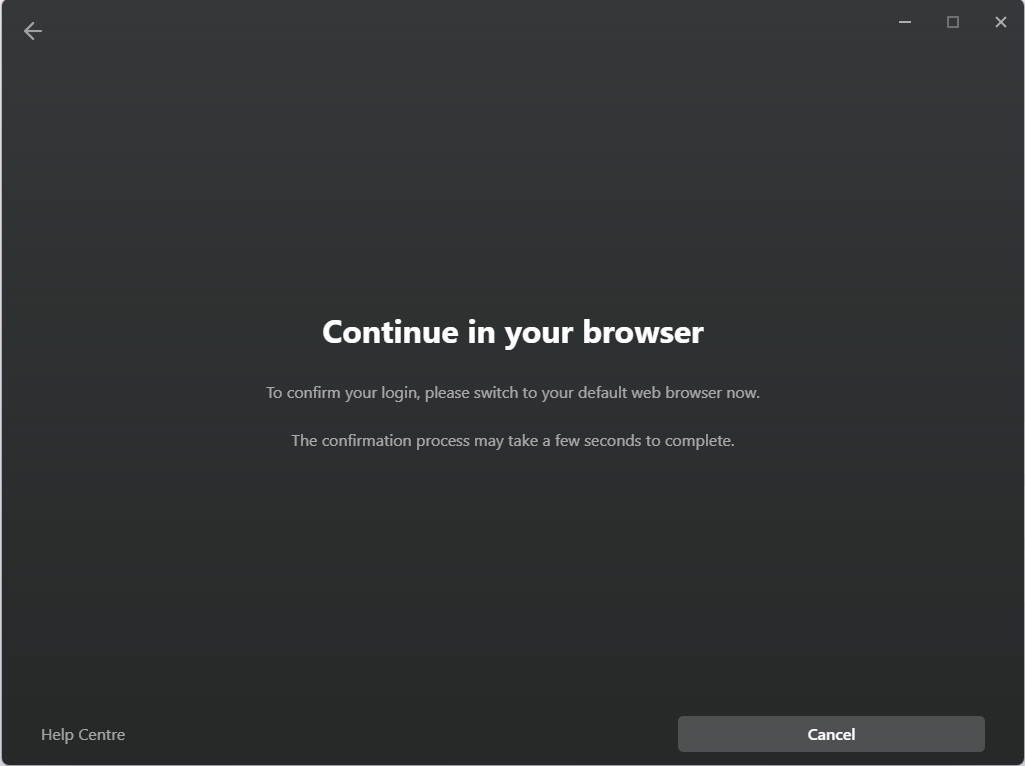
From here you will see the following and then be redirected to a web browser:
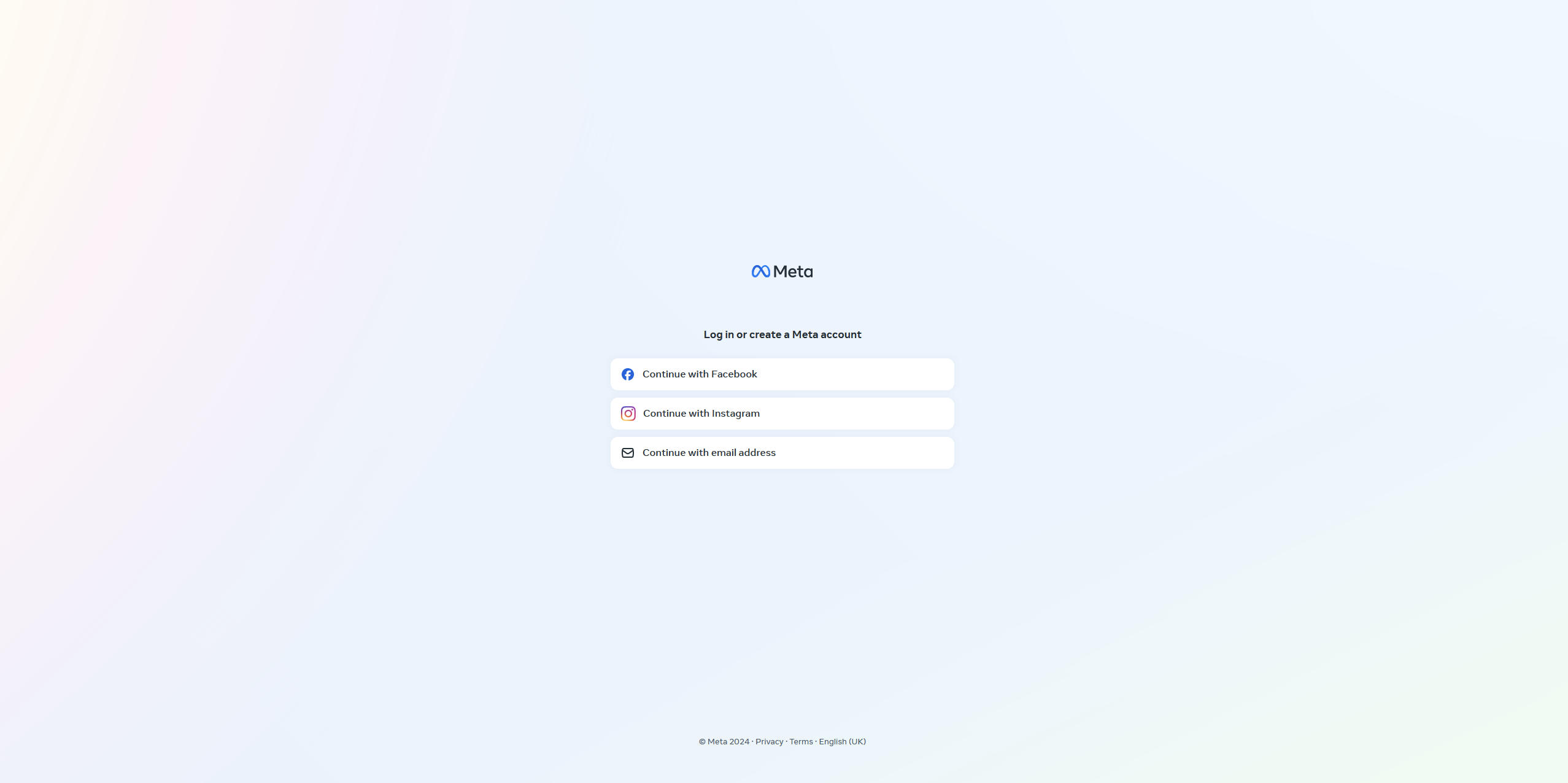
From here select “Continue with email address” and enter the credentials that you have been provided.
Once you have done this, navigate through any requests to accept or decline cookies and then you will be asked if you would like to continue as [Random Name]. Select continue, your browser will display the following pop-up near the top of your screen:
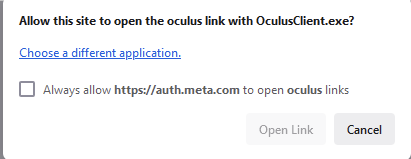
Tick “Always allow” and then select “Open Link”.
You will then be redirected back to the Oculus desktop application. You may be asked to add a payment method, if you are you can simply select “Skip” and then you should find yourself logged in and on the Oculus homepage.