

Meta Guardian Continuously Requires Setup
Last updated 24 Oct 2026
If the Oculus Rift S headset continuously asks the operator to setup the Guardian:
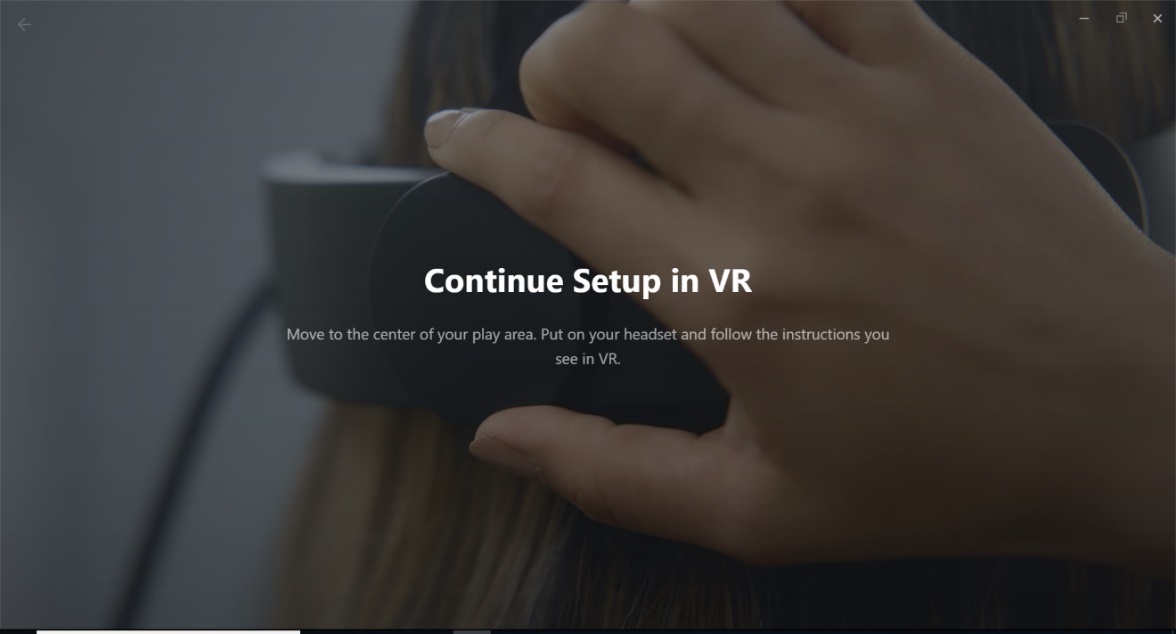
Follow steps in document ‘Meta Guardian Setup’ in the Software Troubleshooting section of this Knowledge Base
If the problem persists, ensure that no Updates are pending in Meta Horizon, if there are, complete updates
Ensure that there are no Windows Updates pending, if there are, run them and restart the laptop
If the problem persists, check the Left Oculus Controller Battery levels in the Meta Horizon program to make you don’t have a drained battery, if drained, replace battery
If the above steps have been verified and the issues continue, ensure that the simulator is not situated in a bright location in the room*
* SIMS recommends the simulator be located in a darker than normal location, away from bright lights, away from direct sunlight, and away form large windows with no covers as this affects the Oculus Rift S headset sensors and calibration.
If the Guardian still requires continuous setups,
Email support@industrialsims.com
or
Call us at 1.888.446.1688 between the hours of 1am to 5pm MST.*
*Please have simulator serial number ready as it is required to verify your account