

Amber or Red sensor light on headset
Last updated 24 Oct 2026
If the headset is displaying an amber or red light between the lenses, this indicates that there is a display issue with the headset connectivity with laptop:
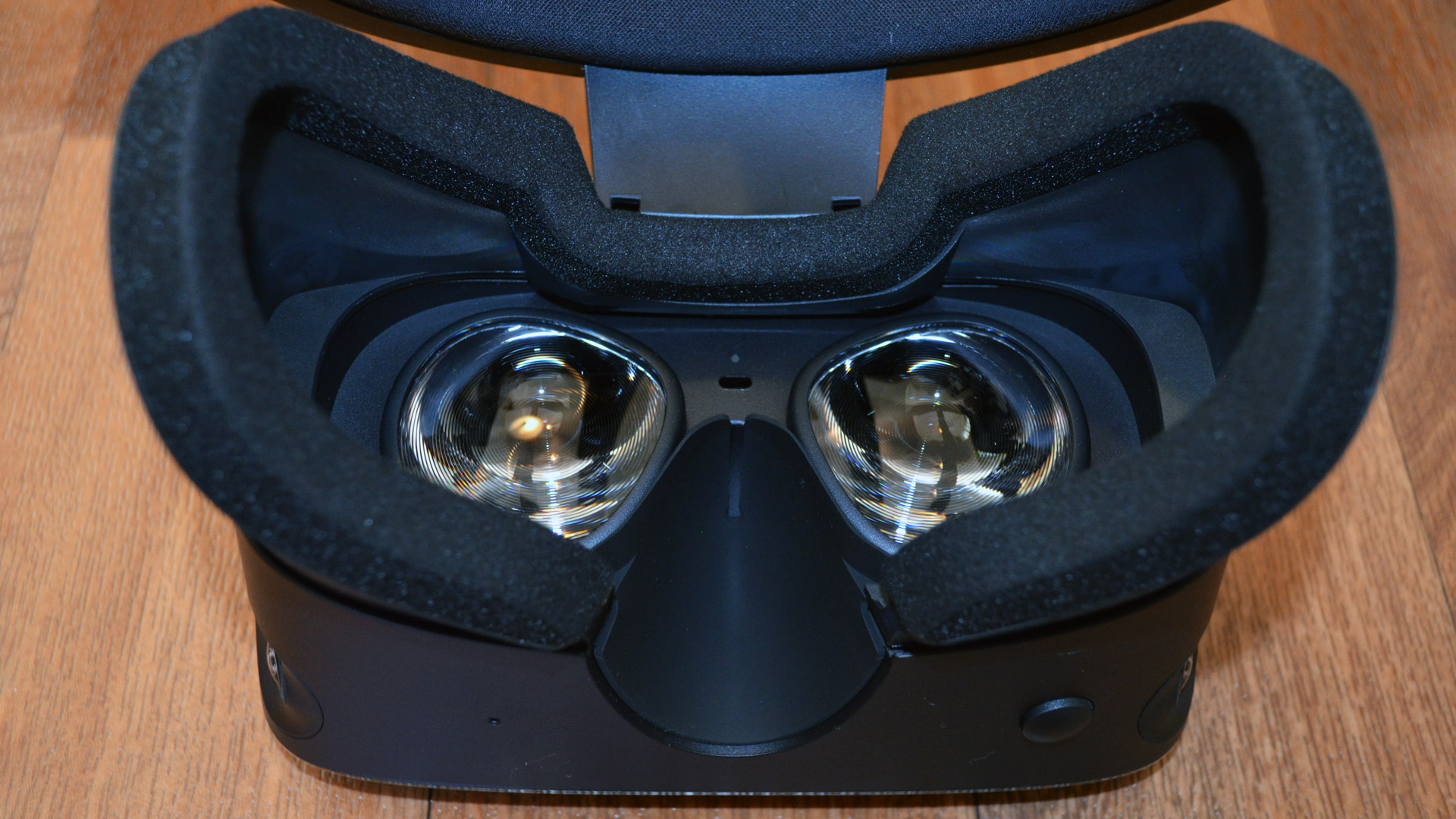
Make sure that the provided dongle/adaptor is not damaged
Ensure that the dongle/adaptor is properly situated inside the Mini DisplayPort port or USB-C on the laptop, try disconnecting and reconnecting it
Once the headset is unplugged, wait a few seconds for the laptop to recognize the headset
Check the headset cable for damage including sharp kinks, sheared cladding, exposed wiring, twists in the wire and damage to the connector itself
Ensure that the cable is properly connected to the headset itself
Power off and restart the laptop
If the amber or red light continues to be displayed, please contact SIMS support
Email support@industrialsims.com (if possible, attach a picture of the headset with light)*
or
Call us at 1.888.446.1688 between the hours of 1am to 5pm MST.*
*Please have simulator serial number ready as it is required to verify your account