

Can't Detect All Required Components
Last updated 24 Oct 2026
If the above message appears when the SLI-Launcher starts:
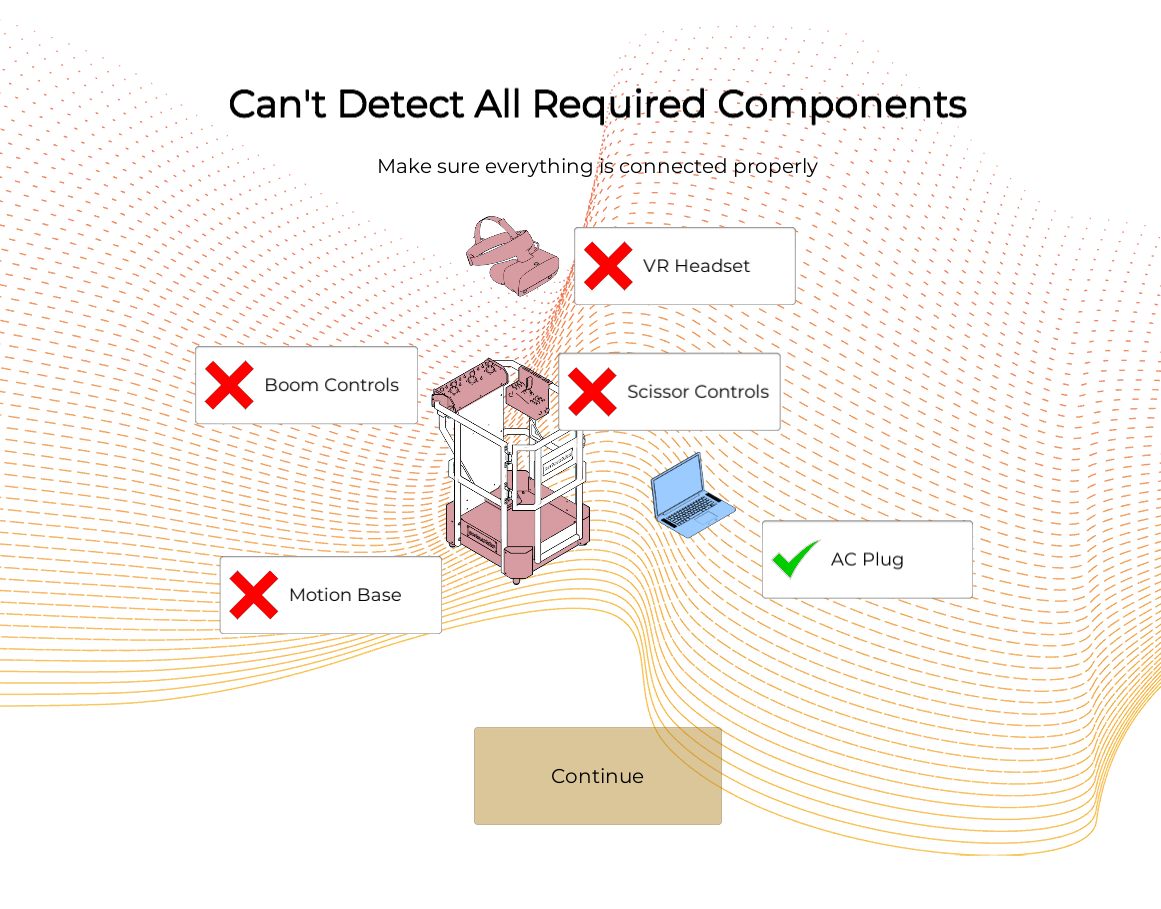
Confirm that the component with the red X is properly connected, if the component is:
VR Headset: Ensure the headset is securely connected to the appropriate USB and USB-C or DisplayPort (DP) ports.
Boom or Scissor Controls: Confirm that the simulator is properly connected to the laptop’s USB port. Ensure the USB cable is securely plugged in and free of any visible damage.
Motion Base: Confirm that the simulator is properly connected to the laptop’s USB port and that the USB cable is securely plugged in and free of any visible damage. Ensure the simulator is connected to a power outlet and that the simulator’s power button is turned on.
AC Power: Ensure the laptop is properly connected to the AC adapter and that the AC adapter is securely plugged into the appropriate power outlet.
If any of the components still have a red X, please contact SIMS support
Email support@industrialsims.com (if possible, attach a picture of the screen with the disconnected components)*
or
Call us at 1.888.446.1688 between the hours of 1am to 5pm MST.*
*Please have simulator serial number ready as it is required to verify your account